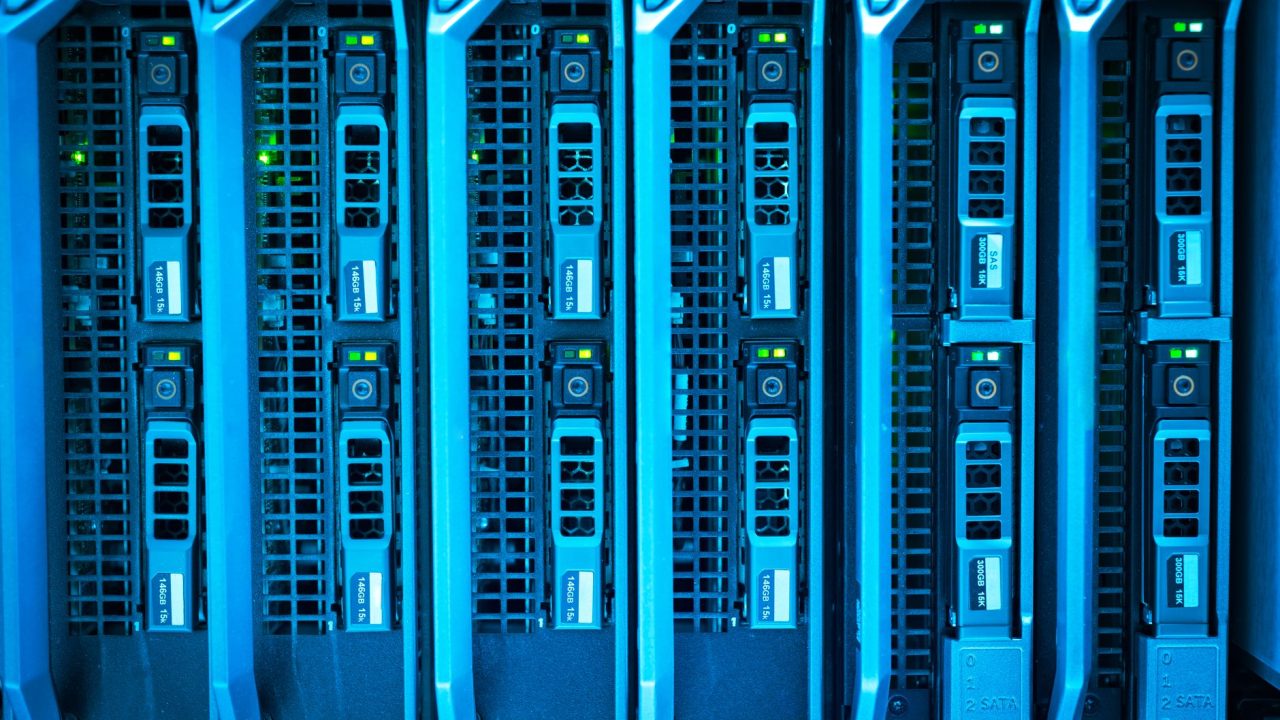
When Your Docker Image Bloats from 900MB to... Wait, How Did We Get Here?
Admin User
Author
I was debugging a deployment issue at 2 AM last week when I realized our production Docker image had somehow ballooned to nearly a gigabyte. A gigabyte. For a Node.js API that should've been maybe 150MB lean. That's when I came across this article about image size optimization, and it hit me like a wall—we were doing everything wrong in our build process.
The title "900MB 8MB says it all" is deliberately stark, and for good reason. It's not hyperbole; it's a wake-up call. The difference between a bloated container and an optimized one can literally be that dramatic. And when you're running dozens of replicas across multiple environments, that's the difference between reasonable infrastructure costs and hemorrhaging money on cloud storage and bandwidth.
The Problem Nobody Talks About Until It's Too Late
Most developers—myself included—ship their first Docker images without much thought. You build locally, it works, you push it to a registry, done. But nobody's really watching what actually gets baked into that image.
The issue is subtle. Your build context includes everything: node_modules, build artifacts, temporary files, development dependencies, git history inside the image, unnecessary system packages. Each layer in your Dockerfile adds up. Before you know it, your image is pulling down half your hard drive just to start a container.
I've seen this happen in real projects. We had a Python service that included the entire pip cache. Another team was shipping their entire .git folder inside their Go binary. These weren't malicious mistakes—they were just oversights from developers (like me) who hadn't internalized the consequences of container bloat.
Where the Waste Actually Happens
There are three main culprits in my experience:
First, multi-stage builds aren't being used. This is the low-hanging fruit. If you're using a heavy builder image (like node:18 or python:3.11) and shipping that same image to production, you're carrying around compilers, dev headers, and build tools you'll never execute. Multi-stage builds let you compile in one image and copy only the artifacts to a clean final image.
Second, layer caching is being ignored. Docker builds layers sequentially, and if you're doing RUN apt-get install followed by COPY . ., then modifying your code, you're rebuilding dependencies every single time. The order matters enormously.
Third, nobody's cleaning up. After installing packages, running build steps, or compiling code, the intermediate artifacts stick around. A simple RUN apt-get install && apt-get clean && rm -rf /var/lib/apt/lists/* cuts gigabytes from Debian-based images.
A Practical Example from My Own Work
Here's what I started doing after this realization:
# Builder stage - heavy, with all dependencies
FROM node:18-alpine AS builder
WORKDIR /app
COPY package*.json ./
RUN npm ci --only=production

# Final stage - lightweight
FROM node:18-alpine
WORKDIR /app
COPY --from=builder /app/node_modules ./node_modules
COPY src ./src
COPY package.json ./
RUN npm prune --production
USER node
CMD ["node", "src/index.js"]
Notice what we're doing: building dependencies in a separate stage, then copying only what we need. We're using Alpine Linux (around 40MB vs 900MB+ for standard Node images). We're running as a non-root user. We're not copying .git, test/, or README.md into production.
I ran this against one of our services, and the image went from 680MB to 85MB. Same functionality, 8x smaller.
What Actually Matters Here
The original article's point isn't academic. Container size directly impacts:
- Cold start times: Smaller images pull faster. In Kubernetes, that's the difference between handling a spike and getting crushed by it.
- Registry storage costs: If you're shipping hundreds of these daily, registry storage becomes real money.
- Network bandwidth: Every deployment, every node pull, every container rollout—it all adds up.
- Security surface area: More layers, more packages, more potential vulnerabilities.
I think about this differently now. A 900MB image isn't a quirk; it's technical debt we're pushing onto operations and your cloud bill every single day.
The Follow-Up Question I'm Wrestling With
Here's what I want to know: why aren't image size and optimization built into our CI/CD pipelines from the start? Most teams have automated tests, linting, and security scanning, but how many actually fail a build if an image exceeds a reasonable threshold?
I'm adding image size checks to our GitHub Actions now—if an image comes in over 200MB for our services, the build fails with a report. It forces the conversation upfront instead of discovering it in production.
What's your biggest Docker image actually running? Let me know in the comments—I'm curious what the real-world range looks like.
Source: This post was inspired by "900MB 8MB says it all. Starred." by Dev.to. Read the original article