I Stopped "Compiling and Praying" When I Realized Security Isn't My QA Team's Job
Admin User
Author
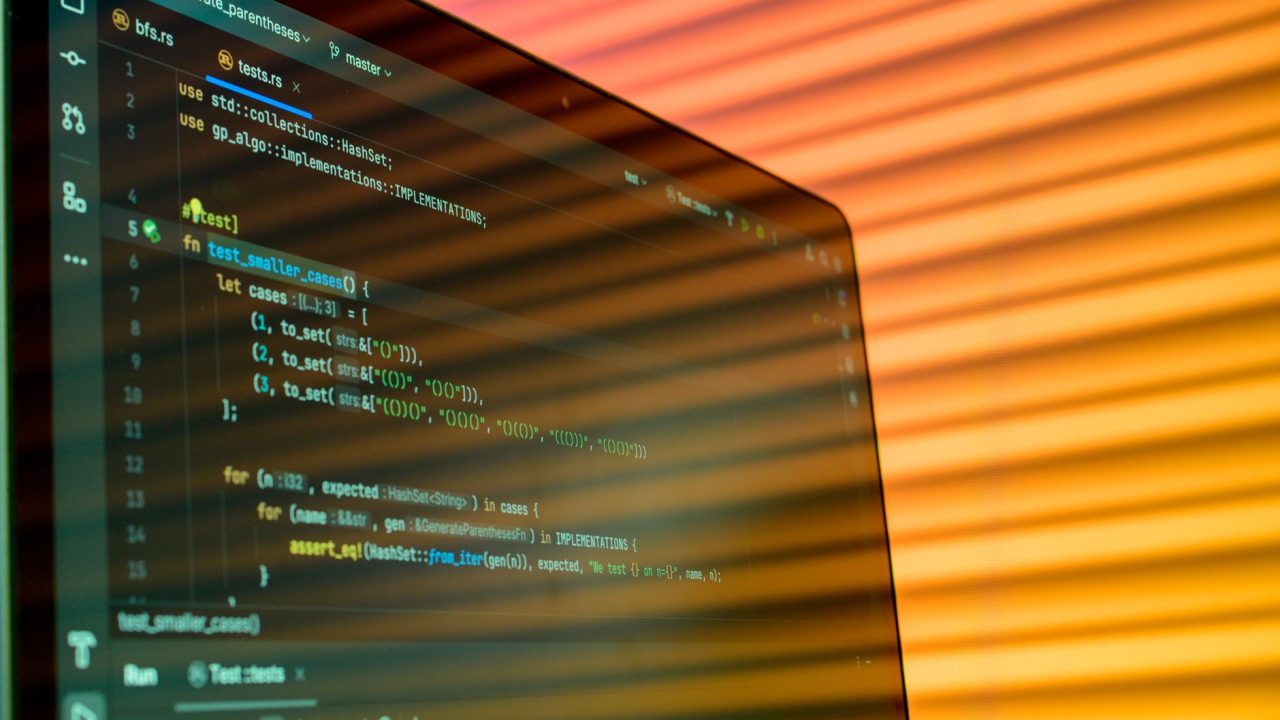
I remember the exact moment I knew something was broken in my workflow. It was 2 AM, a Saturday, and I was sitting in a Slack thread with five other engineers explaining why a SQL injection vulnerability made it to production. The conversation kept circling back to the same question: "How did this slip through code review?" The answer, if I'm being honest, was that we were treating security like a checkbox at the end of the pipeline instead of something baked into how we actually build.
That's when I read something that reframed everything: the idea that "compile and pray" isn't a deployment strategy—it's a cry for help. And I realized I'd been doing exactly that for years. Running tests, shipping code, hoping nothing broke. No staging environment security scans, no static analysis on PRs, no clear separation between what catches bugs during development and what catches vulnerabilities when the app is actually running.
The Thing Nobody Tells You About SAST and DAST
Here's what I've learned: most developers hear "SAST" and "DAST" and think they're interchangeable. They're not. Not even close.
SAST—Static Application Security Testing—works like having an obsessive code reviewer who reads every line before it ever runs. It catches hardcoded secrets, SQL injection patterns, insecure cryptography calls. The tool doesn't care if your app is running; it just cares about what's written. Tools like SonarQube and Semgrep live in this space.
DAST—Dynamic Application Security Testing—is the opposite. It waits until your app is actually running, then treats it like a real attacker would. Manipulating requests, fuzzing inputs, checking for XSS holes and broken authentication. OWASP ZAP and Burp Suite do this.
The mistake I made? I was relying on DAST alone, running security scans in production (or close to it). That's backwards. SAST should catch low-hanging fruit on every commit. DAST should only run against a staging environment, where you can safely simulate attacks without risking user data.
The Pipeline That Actually Works
I started thinking about this differently after I restructured how my team handles CI/CD. We moved from "everything runs before production" to "the right tool at the right time."
On commit, SAST kicks in immediately. A developer pushes code, and within seconds they know if they've accidentally hardcoded an API key or written vulnerable SQL. That's the fastest feedback loop possible—and the cheapest to fix.
During build, we added Software Composition Analysis (SCA) to scan dependencies for known CVEs. Nobody wants to ship a package with a disclosed vulnerability.
Only after deploying to staging does DAST run. This is where we simulate real attacks without touching production. If something breaks here, we've found it in a safe place.
My Take: Security Isn't Separate From Quality
What struck me most about this approach is that it stops treating security as some external requirement bolted onto development. It's just... good testing at the right stage.
The comparison the article makes—about building a fortress, starting with the moat (unit tests) before the catapult (DAST)—actually changed how I explain this to junior developers. You can't secure broken code. Unit tests that verify sanitization functions work as intended? That's your real defense against XSS. Integration tests that verify tokens expire and permissions don't leak? That's your actual security investment.
Where I diverge slightly is on tooling. I've found that the best SAST tool is often the one your team will actually use. SonarQube is powerful but heavy. Semgrep is faster but requires more tuning. Snyk works well if you're already in the JavaScript/Node ecosystem. Don't get paralyzed choosing—pick one and actually run it on every PR.
A Practical Reality Check
Here's what a minimal setup looks like in GitHub Actions:
name: Security Checks
on: [pull_request]

jobs:
  sast:
    runs-on: ubuntu-latest
    steps:
      - uses: actions/checkout@v3
      - name: Run Semgrep
        run: semgrep ci --config=p/owasp-top-ten

  sca:
    runs-on: ubuntu-latest
    steps:
      - uses: actions/checkout@v3
      - name: Check dependencies
        run: npm audit --audit-level=moderate
Nothing fancy. But this catches vulnerabilities before code review even starts. The cost? A few extra minutes per build.
What I'm Still Figuring Out
The hardest part isn't the tools—it's convincing teams that this matters when there's a feature deadline. I'm still working on that conversation. How do you balance shipping fast with shipping securely? I'd genuinely like to know how other teams in Islamabad's tech scene are handling this.
The old way—compile and pray—doesn't work anymore. Not at scale, not in production, not when a breach costs millions. The good news? The alternative isn't expensive. It just requires thinking differently about when security gets checked.
Source: This post was inspired by "# Compila e Reza? — Segurança e Qualidade na Prática: O Papel do SAST, DAST e Testes Automatizados no Ciclo de Vida do Software Moderno" by Dev.to. Read the original article