Portfolio

BioLink Pro

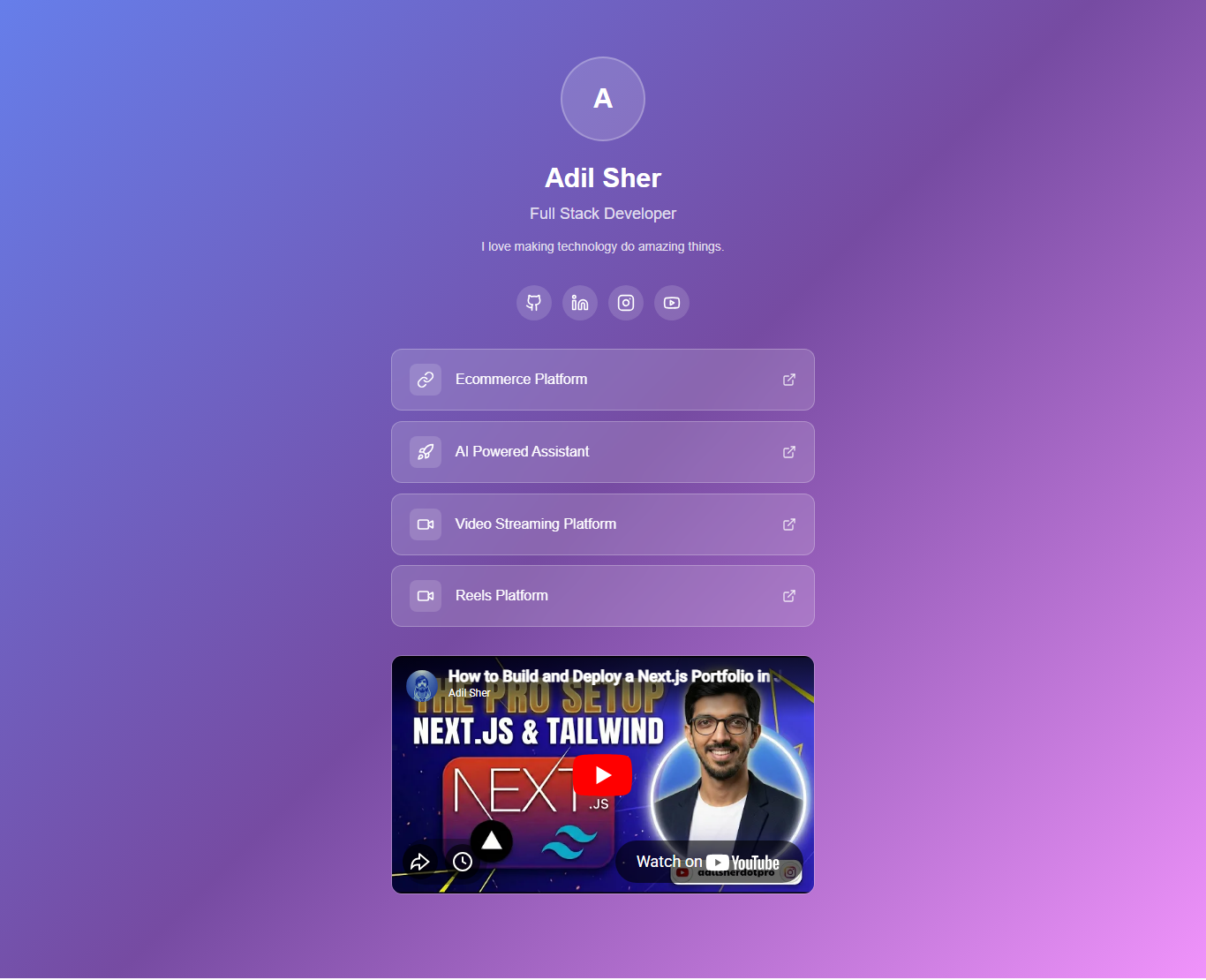
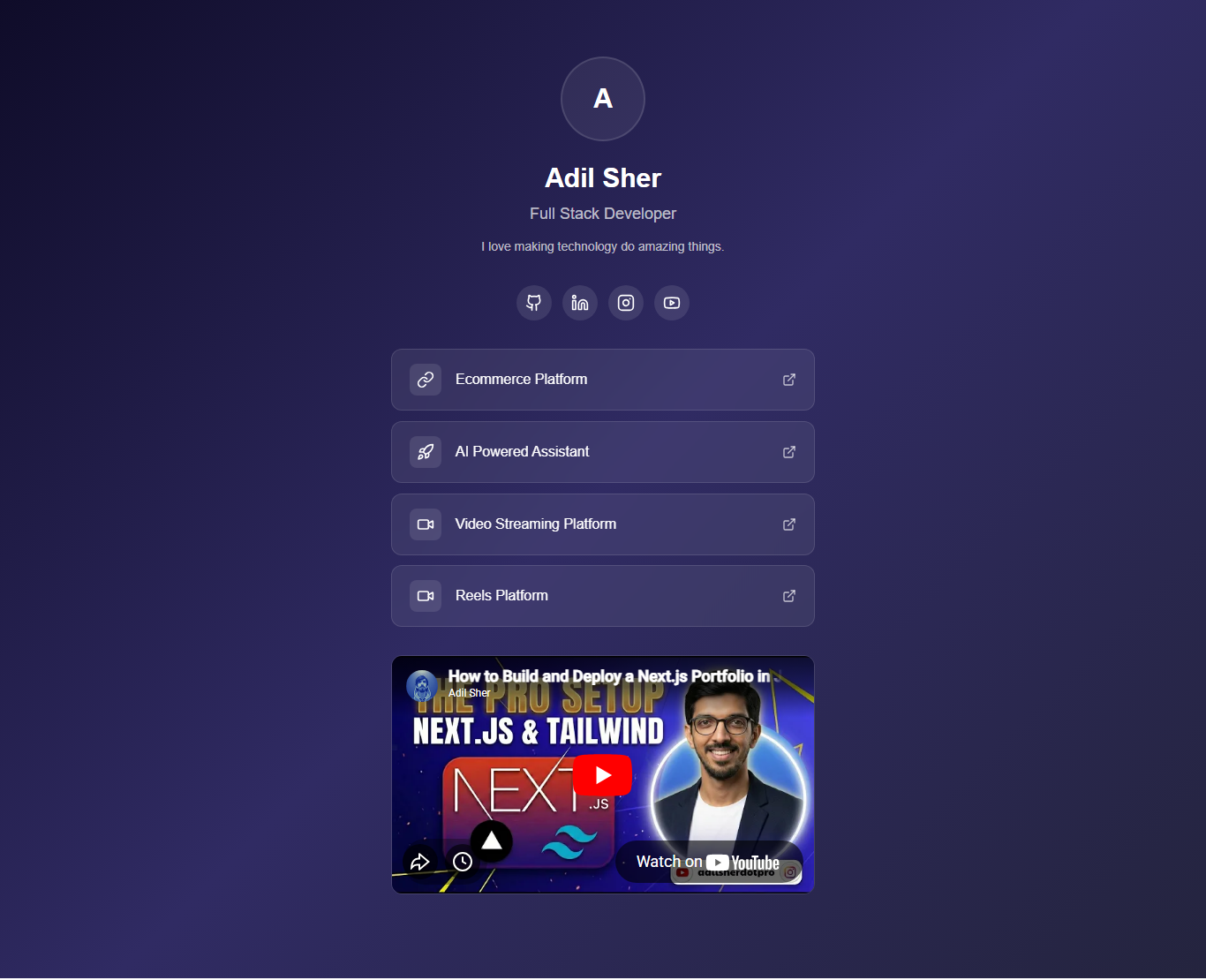
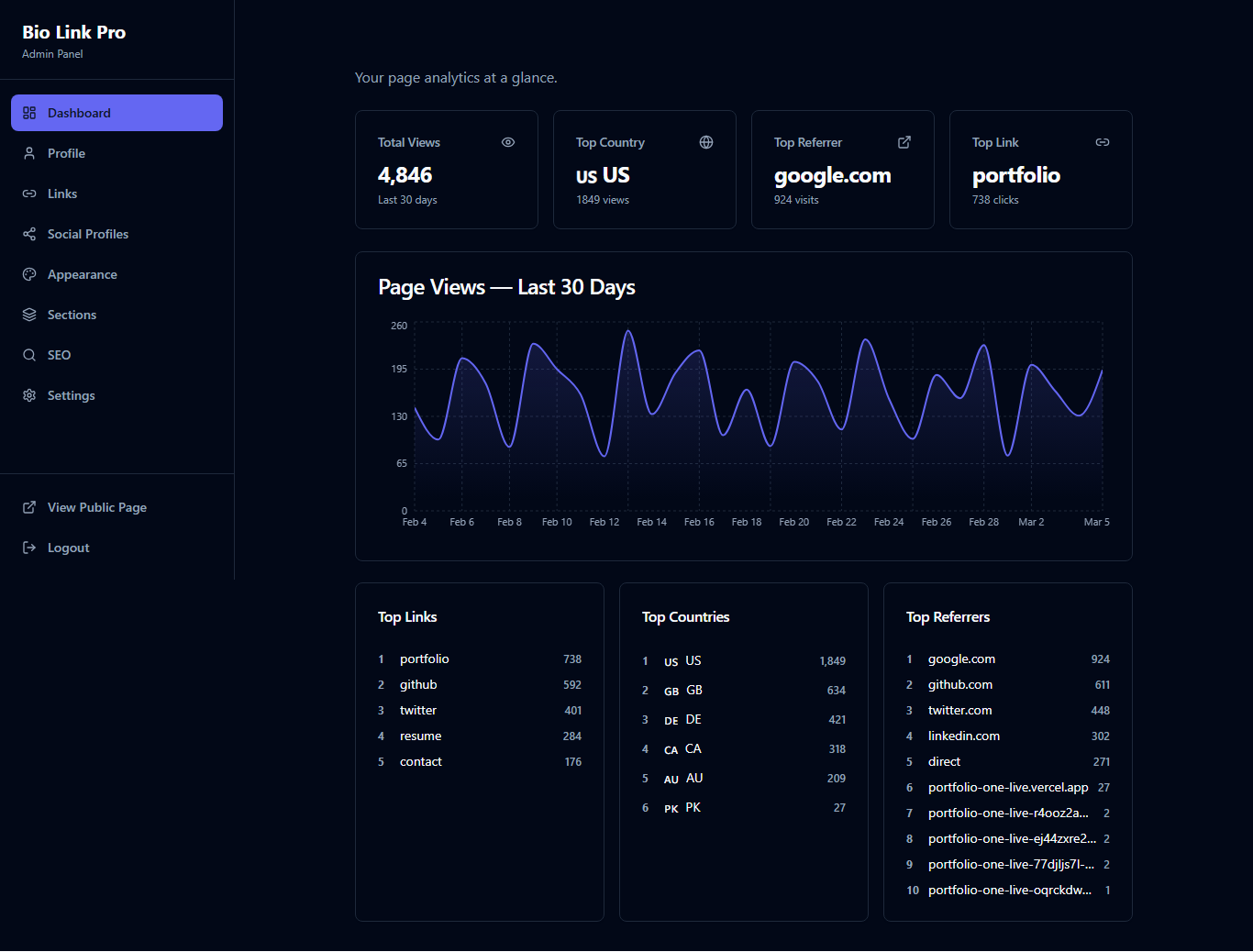
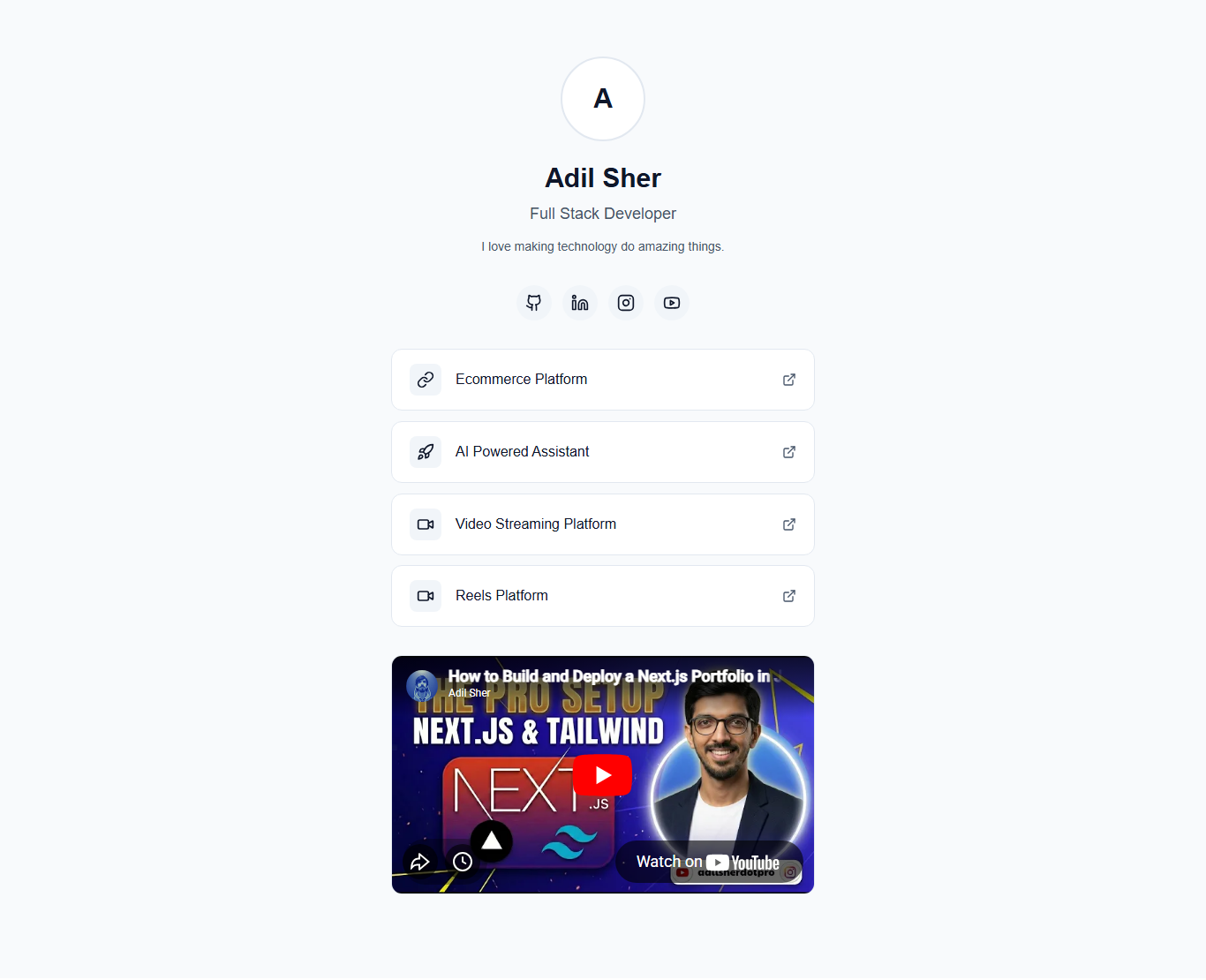
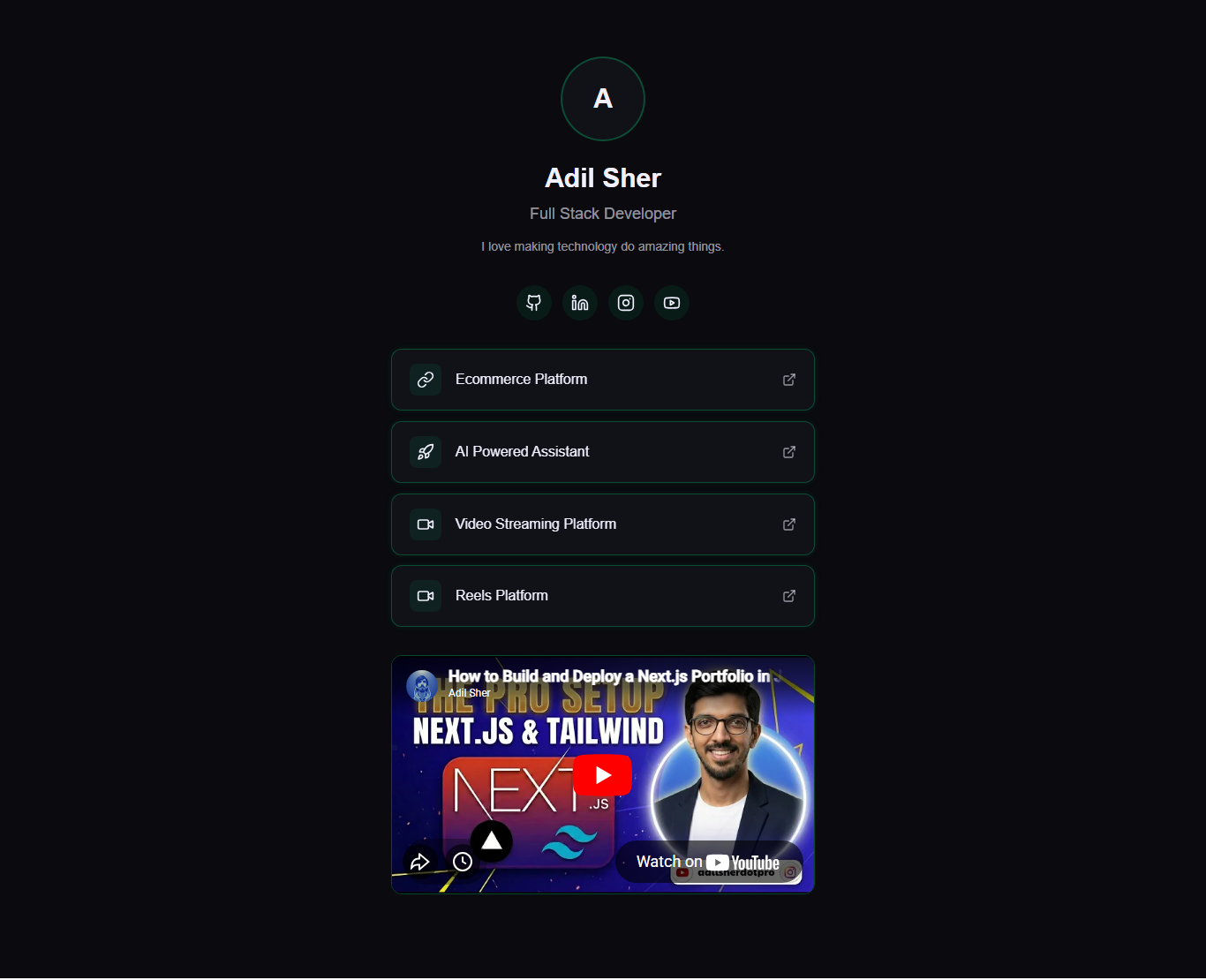
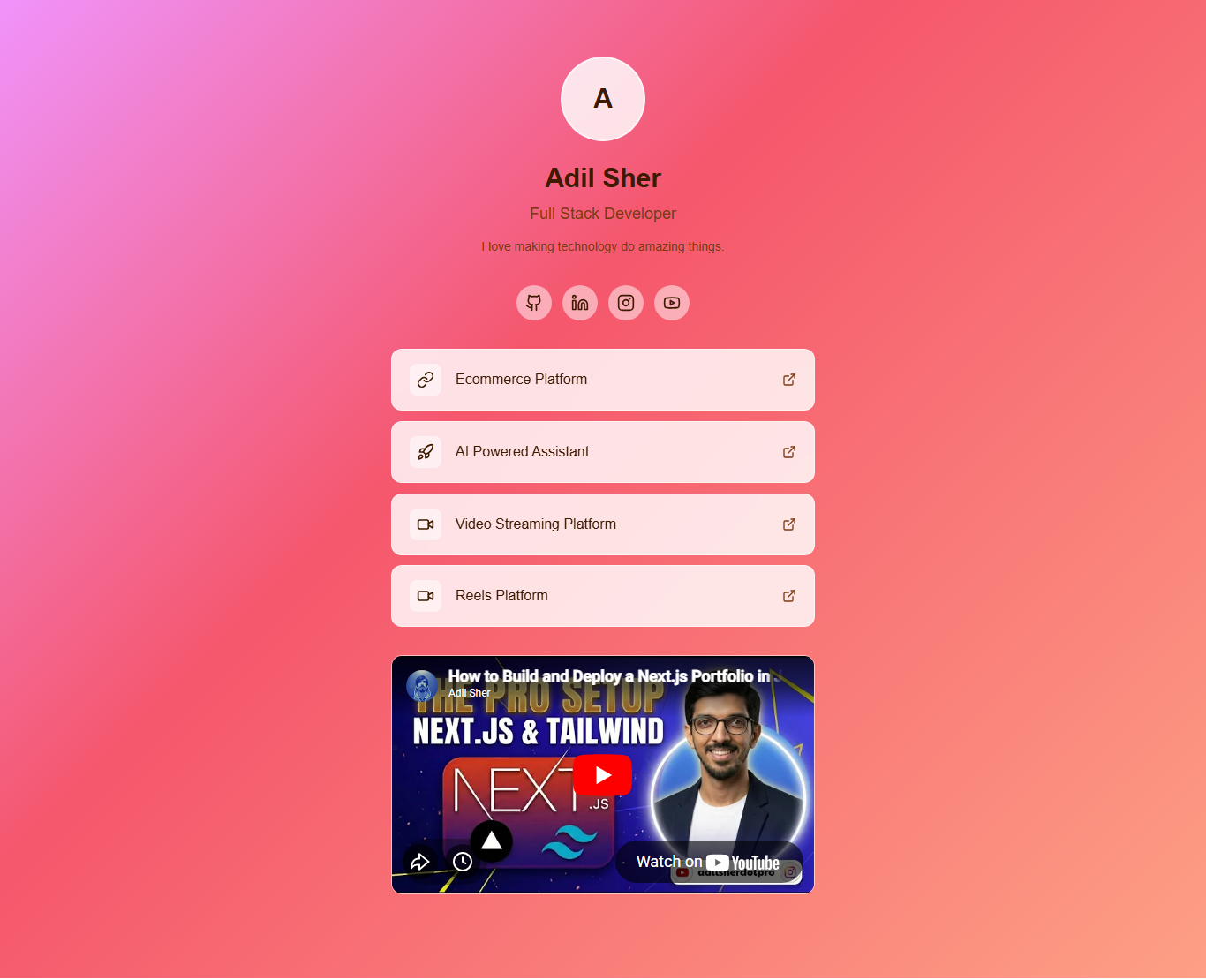
A white-label bio-link platform with a visual admin panel, built-in analytics, and 5 switchable themes, deployable to Vercel in one click. No code editing required. Manage links, social profiles, SEO, and appearance entirely through the admin UI. Self-hosted analytics track page views, visitor countries, and link click. No third-party scripts.

Product Showcase

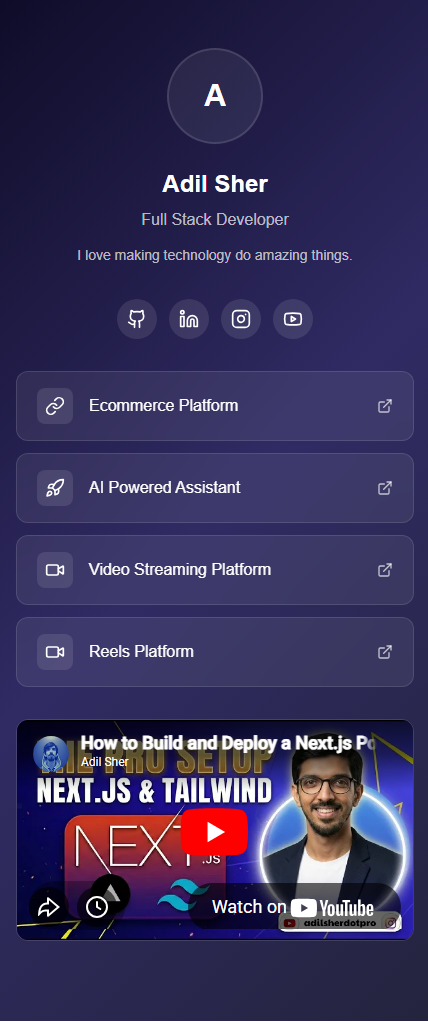
Screenshots of the live platform

BioLink Pro
BioLink Pro
BioLink Pro
BioLink Pro
BioLink Pro
BioLink Pro
BioLink Pro
Thumbnail 1
Thumbnail 2
Thumbnail 3
Thumbnail 4
Thumbnail 5
Thumbnail 6
Thumbnail 7
BioLink Pro BioLink Pro BioLink Pro BioLink Pro BioLink Pro BioLink Pro BioLink Pro
/ 7
Features

Everything You Need

Packed with powerful features to get you started quickly

Visual Admin Panel

Manage all your links, profile info, and settings through an intuitive admin dashboard. No coding required.

5 Theme Presets

Choose from 5 professionally designed themes. Each theme is fully customizable to match your brand.

Analytics Dashboard

Track page views, link clicks, and visitor analytics. Understand your audience with real-time data.

One-Click Vercel Deploy

Deploy your BioLink page to Vercel in one click. No server setup, no configuration needed.

Instant Updates

Changes reflect instantly. Edit your links, bio, or theme and see updates live in seconds.

SEO Optimized

Built-in SEO meta tags, Open Graph support, and structured data for maximum visibility.

Drag-and-Drop Links

Reorder your links effortlessly with drag-and-drop. Organize your page exactly how you want.

Fully Responsive

Looks perfect on every device — desktop, tablet, and mobile. Pixel-perfect responsive design.

White-Label

No BioLink Pro branding. Your page, your brand. Use your custom domain for a professional look.

Lifetime Updates

Get free updates forever. New themes, features, and improvements — all included with your purchase.

How It Works

Get Started in 4 Simple Steps

1

Purchase

Choose your plan and complete the purchase. You'll get instant access.

2

Deploy to Vercel

Click the deploy button to clone and deploy to your Vercel account in one click.

3

Set Admin Password

Visit your live site, go to /admin, and set your admin password on first visit.

4

Customize

Add your links, upload your photo, pick a theme, and customize everything from the admin panel.

Tech Stack

Nextjs Tailwind CSS Vercel
Pricing

Choose Your Plan

Simple, transparent pricing. No surprises.

Personal

Perfect for individuals and personal brands

$29
  • Full source code access
  • All 5 theme presets
  • Admin dashboard
  • Analytics tracking
  • One-click Vercel deploy
  • Lifetime updates
  • Single site license
Most Popular

Commercial

For agencies and commercial use

$79
  • Everything in Personal
  • Unlimited site license
  • Commercial use rights
  • Priority support
  • Custom theme guidance
  • White-label resale rights
  • Agency deployment guide
FAQ

Frequently Asked Questions

No! BioLink Pro comes with a visual admin panel where you can manage everything — links, profile, theme, and settings — without touching any code.
After purchase, you'll receive access to download the source code or deploy directly to Vercel with one click. Follow the setup guide to have your page live in under 5 minutes.
Absolutely! After deploying to Vercel, you can connect your own custom domain through Vercel's dashboard. Full instructions are included in the deployment guide.
No monthly fees. BioLink Pro is a one-time purchase. Vercel's free tier handles hosting for most users, so your ongoing cost is $0.
Yes! Choose from 5 built-in themes, customize colors, update your profile photo, bio text, and social links. For advanced customization, you have full access to the source code.
All purchases include access to the setup and deployment guides. Commercial license holders also get priority email support for any issues.

Ready to get started?

Get BioLink Pro today and launch in minutes.